
Step 1 of 5 · distance
Where the field ends
A short-range reader does not broadcast. It builds a magnetic field that ends, on purpose, a few hundred millimeters out. A tag inside it couples like the secondary of a transformer: the field is both the power and the wire. Drag the tag and find the edge. Past it, a different physics has to take over.
Drag the tag on the diagram or use the slider.
Reach figures are educational envelopes for the technology class, not a promise for a specific product. Measured pairing data lives in the selector.
Step 2 of 5 · mounting
Metal, honestly
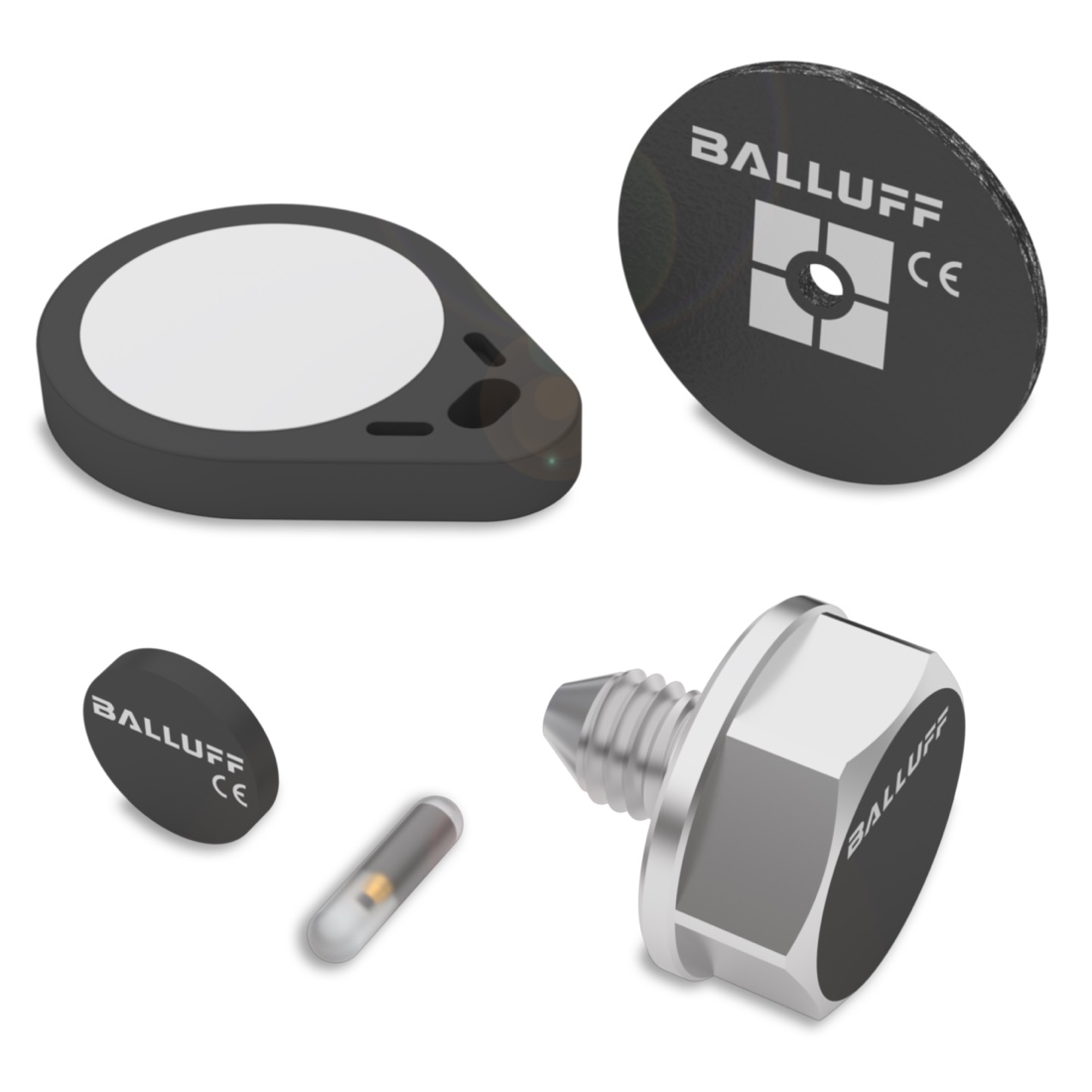
Metal near a tag detunes its antenna, which reshapes the tag's coupling field. That is not a wall, it is a design input. A standard tag's field collapses on metal. On-metal and flush tags are engineered so the metal works with their field, and the price is reach. Pick a tag, toggle the surface, watch the field change shape.
Class reach, measured across the technology family: metal-free tags to about 370 mm, on-metal tags to about 100 mm, flush-in-metal tags to about 55 mm. Your product pairing will have its own measured figure in the selector.
Step 3 of 5 · motion
Reading on the move
A read is not instant. The tag has to sit in the field long enough to power up and move its data. On a moving line that budget is pure geometry: time in field equals field window divided by line speed. Spend it on a bigger read than it can hold and the pass misses. Try to break it.
The geometry is exact; the transfer rate shown is a class-level teaching figure. If the budget is tight three moves fix it: read at a standstill, carry less data, or slow the pass through the window.
Step 4 of 5 · population
One tag or many
With one tag in the field the conversation is private and fast. Put several tags in the field and they all answer at once, so the reader has to run anti-collision: sort the voices out and take them in turns. It works, and every turn spends time. Add tags and watch the cycle stretch.
Short-range HF anti-collision handles a handful of tags well when the station can give it time. Reading dozens at once, at range, through a gate is the full UHF problem: real, solved daily, and an engineering project rather than a catalog pick.
Step 5 of 5 · the system
From tag to PLC
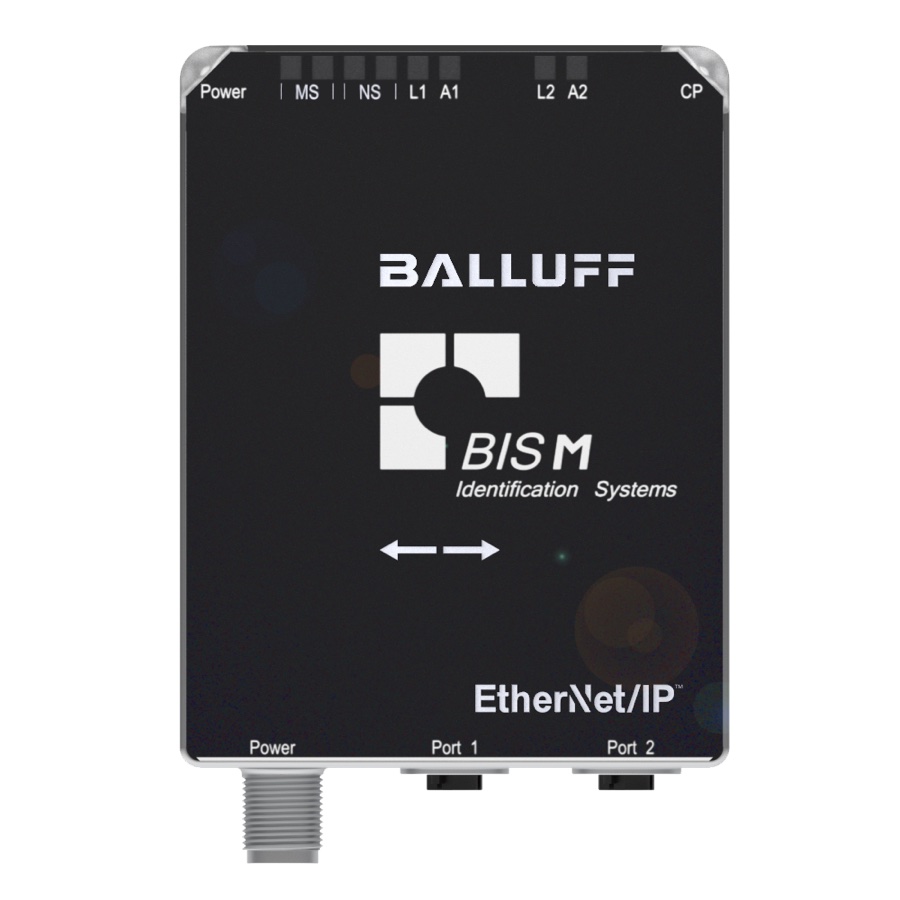
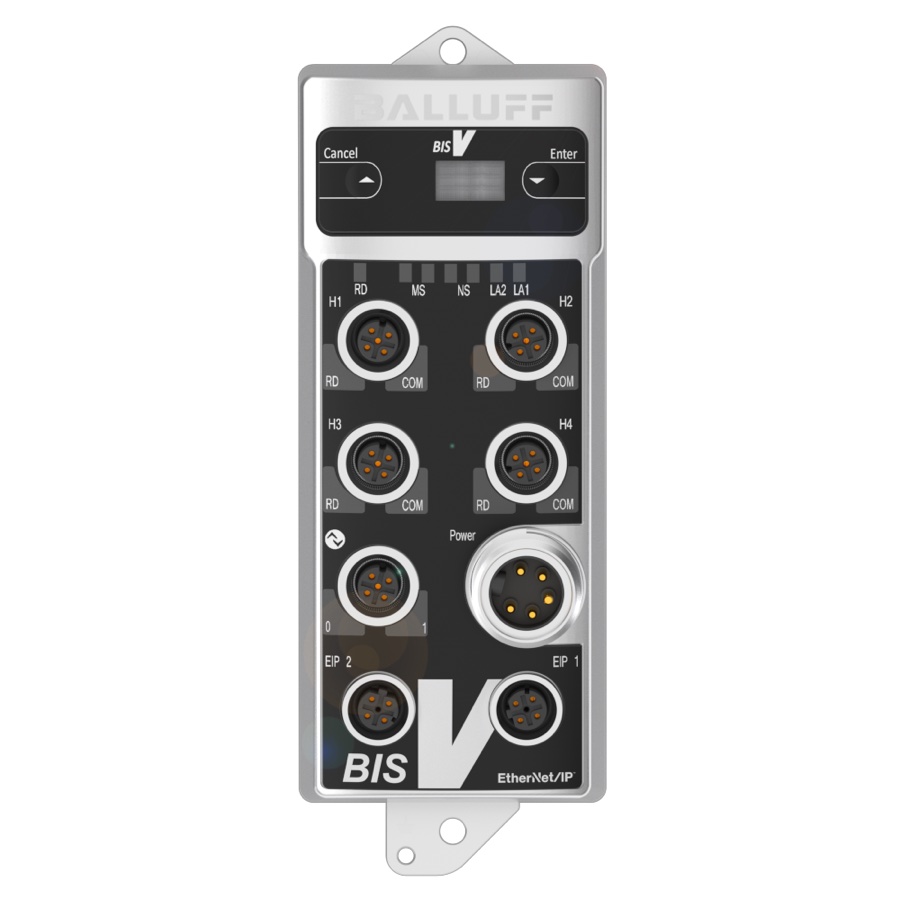
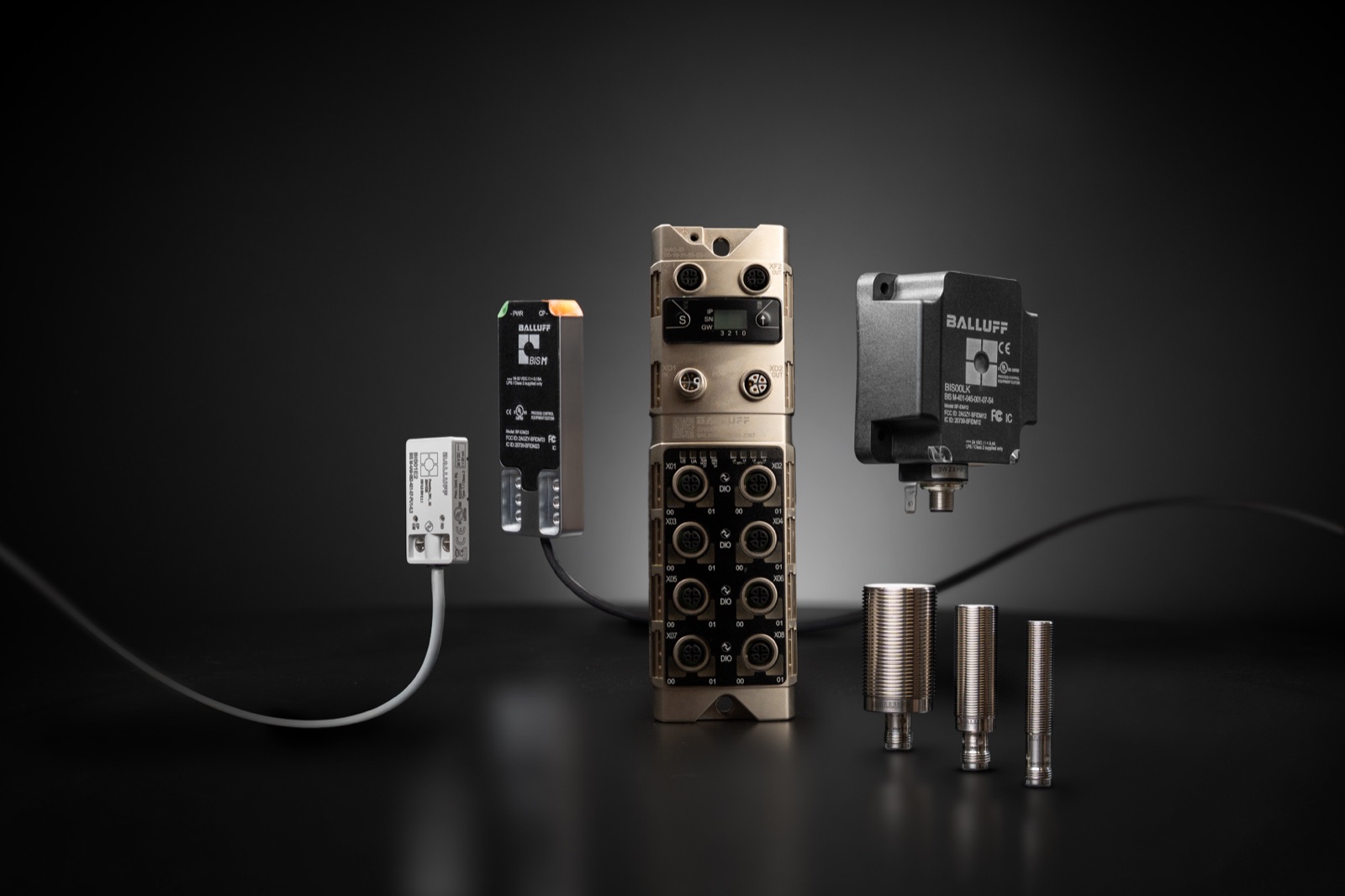
Three parts make the system. The tag carries the data. The head is the antenna that talks to it. The processor turns reads into messages your controller already speaks. How the processors connect is a real choice: one processor per read point, straight onto Ethernet, or several heads sharing one BIS V processor or IO-Link master. Build both and watch what your head count does to each.
Heads share one processor, up to four per unit.
Every network listed is a real, shipping processor interface, and both architectures are real, shipping Balluff systems. The RFID side is identical under all of them; what changes is how many devices sit between your heads and your controller. Comparisons here are about complexity, not prices; you bring your own numbers.
Your takeaway
Your spec
Five answers, one starting point. These are class-level envelopes to scope with, not part numbers; the selector holds the measured pairings and will take it from here.